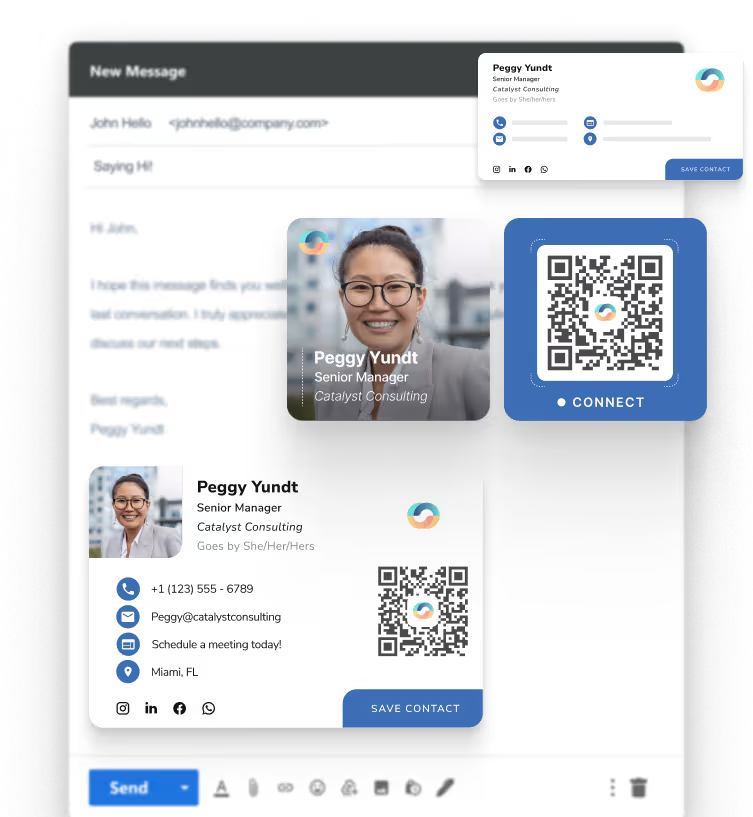








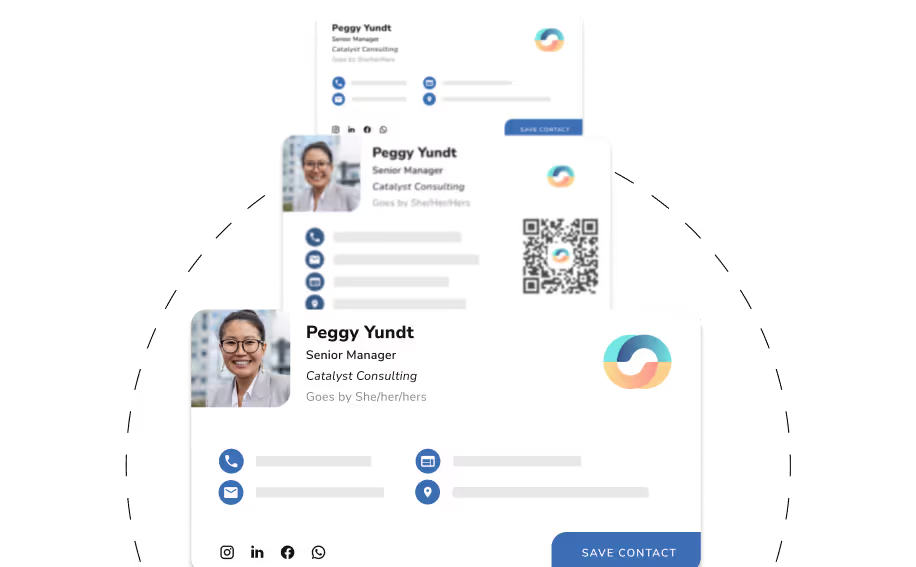
A professional email signature is a personalized sign-off that includes your contact details, branding, and key links, so every email you send looks polished and complete. With HiHello, your signature is automatically created from your digital business card, keeping your name, title, photo, logo, and other essential info perfectly in sync—driving visibility and boosting email performance.
Whether you're emailing from your laptop or phone, your HiHello signature stays mobile-friendly, copy-paste ready, and always on-brand—no design skills or HTML required.
professionals choose HiHello's email signatures
emails sent with HiHello signatures
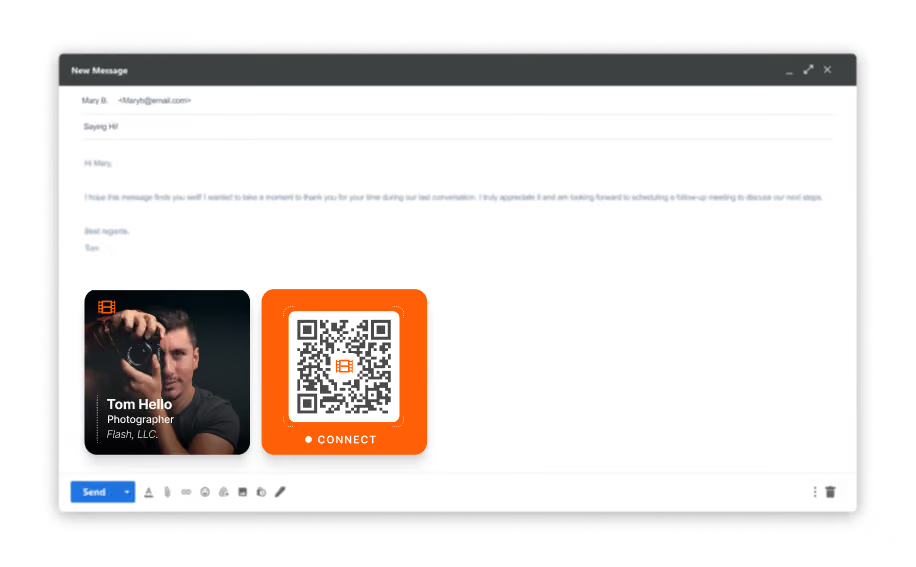
on-brand, every time—on mobile and desktop
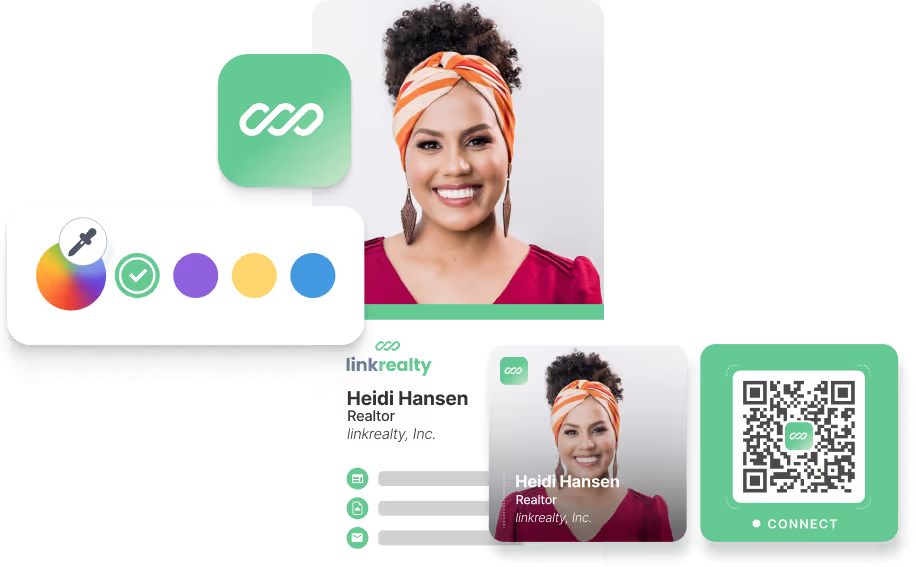





and more!
The average professional sends up to 40 emails a day. Each one is an opportunity to build your brand, drive traffic, and help people take the next step—all from your signature.

Create instant trust with a clean, professional signature
Drive traffic to your website, blog, portfolio, or all three
Add your calendar for ease of scheduling without the back-and-forth
Grow your following with your social profile links
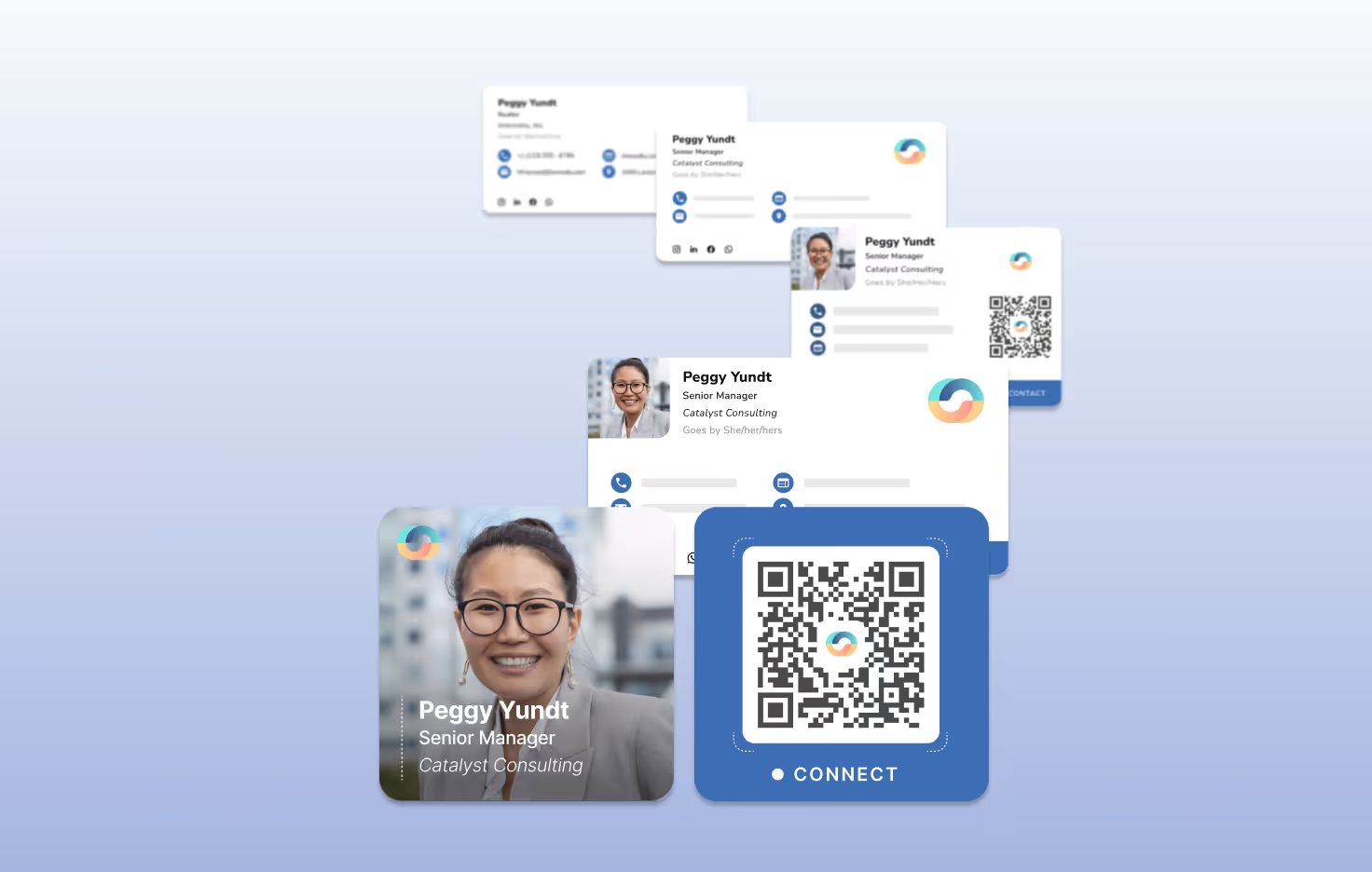
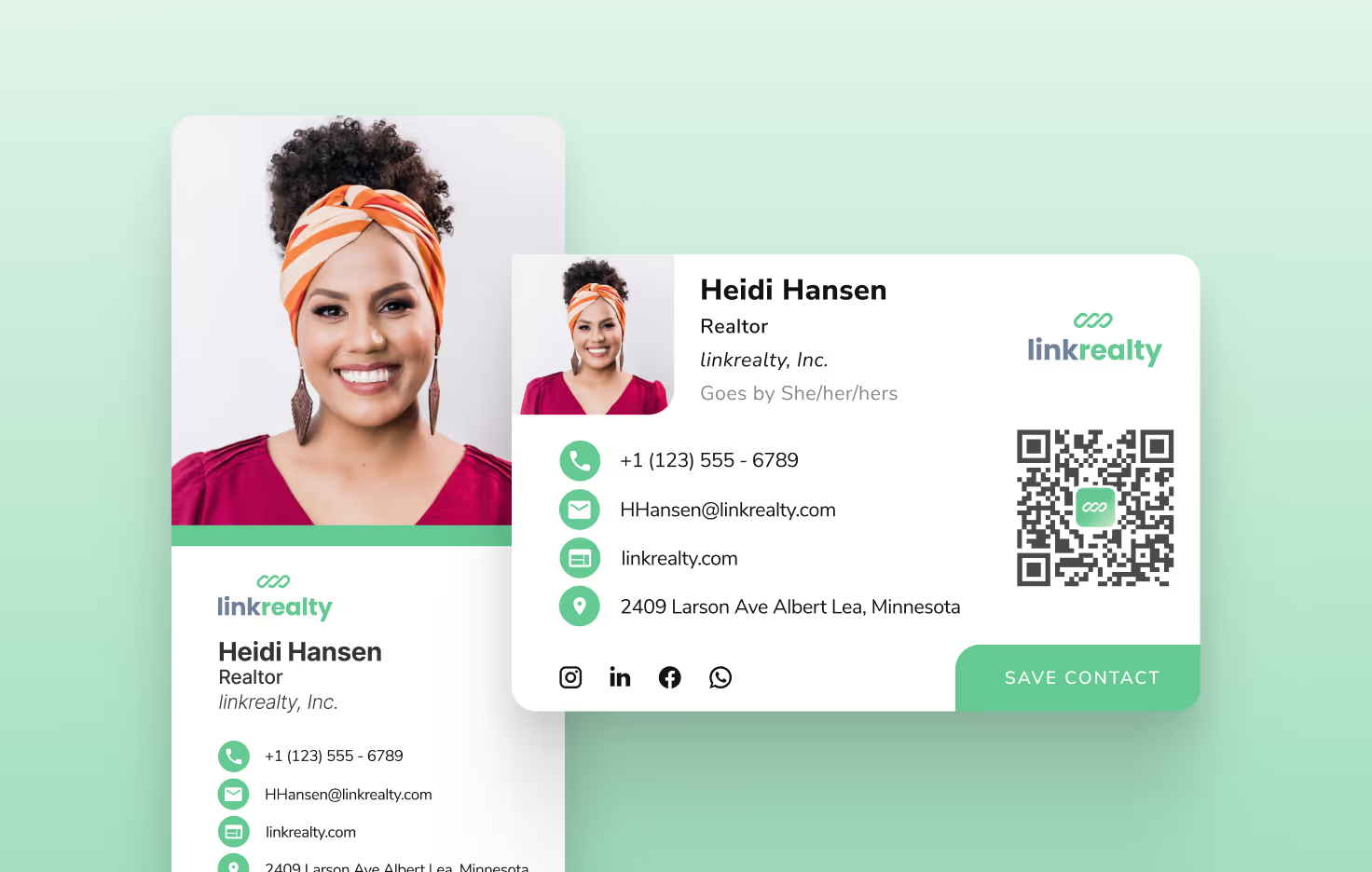
Change of title? Moved to a new department? New logo? Just update your HiHello card, and your signature updates automatically—everywhere it lives.
Keep your information consistent across every interaction
Avoid outdated titles, phone numbers, or broken links
Save time while staying accurate and on-brand
Skip the busywork of reformatting or recreating your signature every time something changes
Your email signature is automatically created using the information from your HiHello card. Just pick a template—everything else is already done.
No formatting, coding, or design skills required
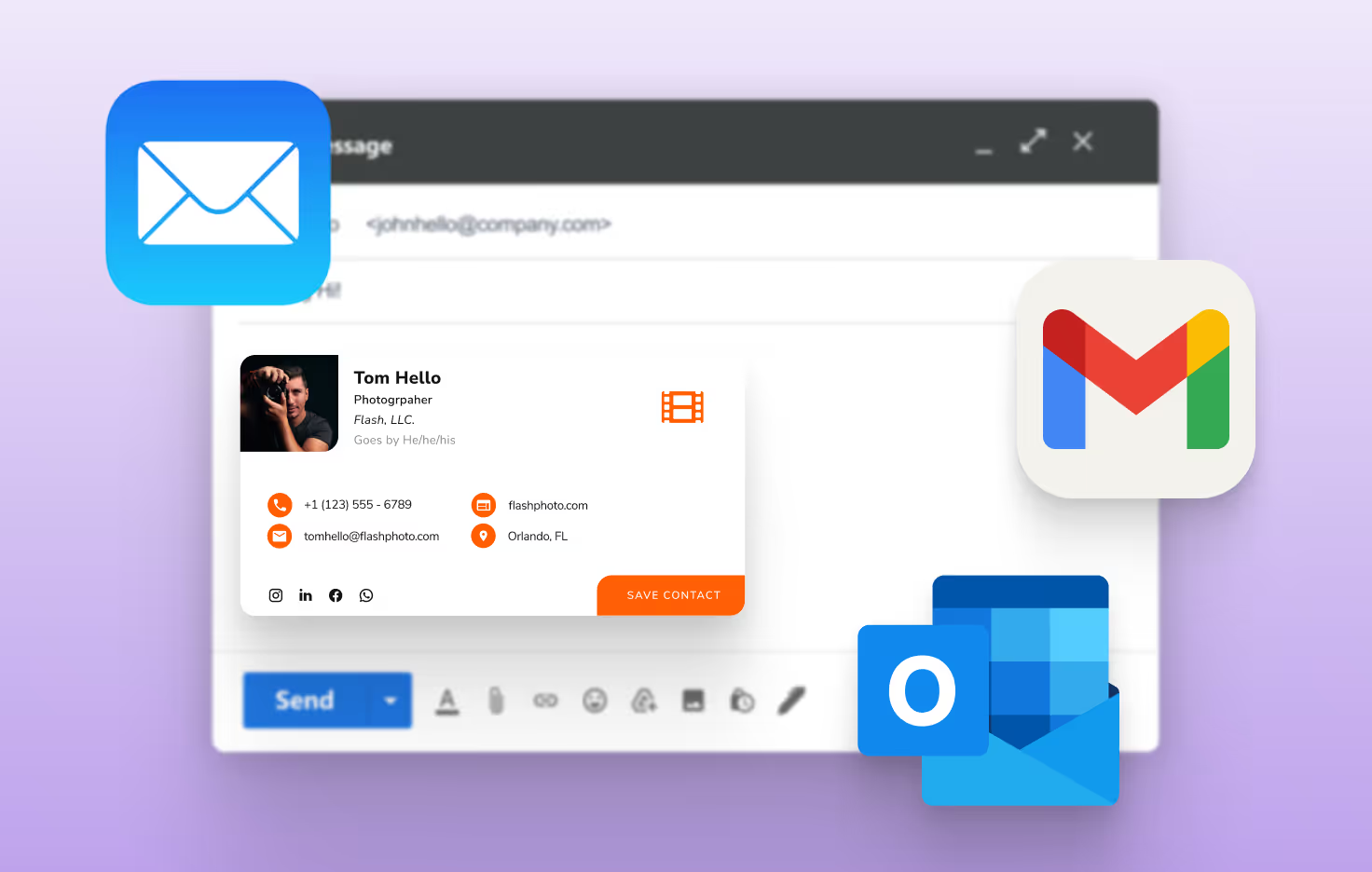
Works across Gmail, Outlook, Apple Mail, and more
Mobile-optimized, so your signature looks great on any device
Includes your name, title, logo, photo, and links—automatically
1. Pick Your Card
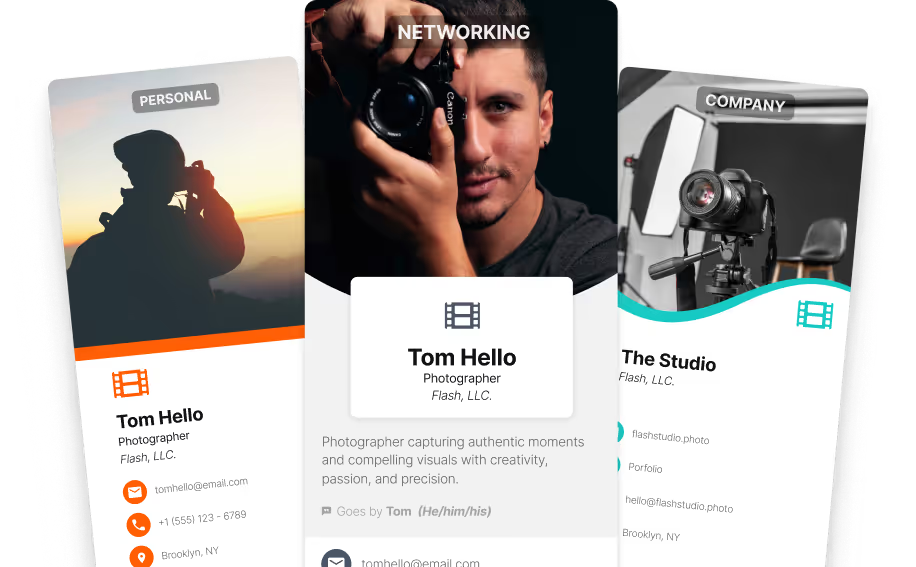
Choose which HiHello digital business card you want to use.
2. Choose Your Style
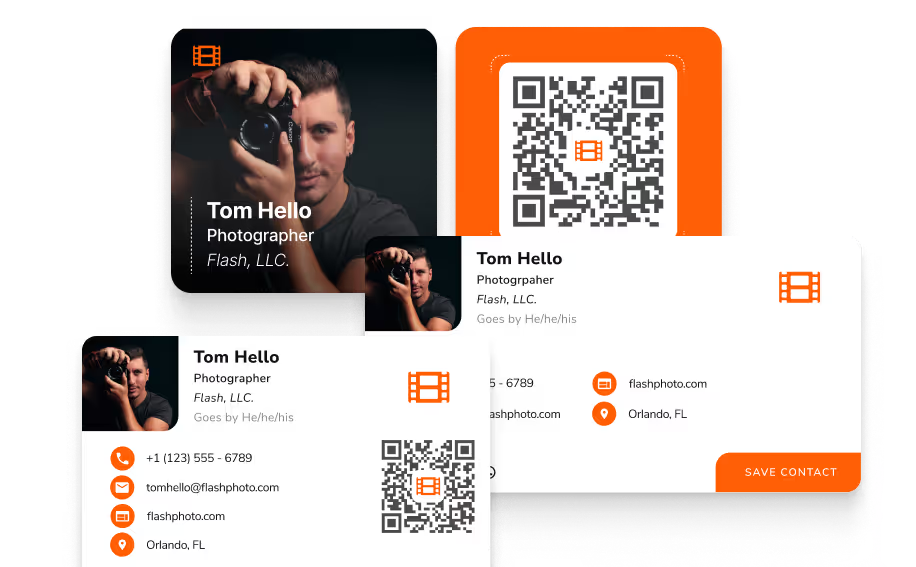
Select from professionally designed templates that look great in every inbox.
3. Generate Your Signature
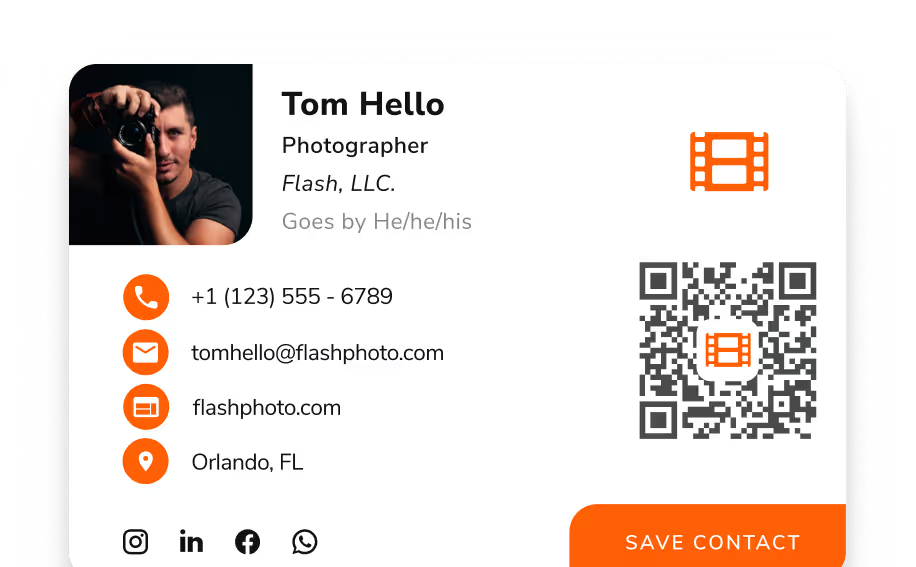
HiHello builds your signature instantly using the details from your card.
4. Copy & Paste Into Your Email
Drop it into Gmail, Outlook, Apple Mail, or wherever you send email.


I absolutely love that HiHello creates an email signature for me with a photo, QR code, and everything else anyone would need to know!

HiHello's Email signature business card is an easy way to make my contact information readily available and include all professional links in one place. It looks more professional and elegant than a typed line by line signature.
HiHello is really easy to use - my company added the functionality this year & it's made our emails look a lot more professional.
HiHello makes creating a more unique and personalized business card and email signature as easy as possible. Took minimal effort and the built in guidance and support make it really fool proof.
HiHello's email signature product has made our remote team appear far more professional in our email communication. It has been adopted by many of our partners as well.
Our organization has integrated HiHello into our email signatures and its perfect to share our information when reaching out to other organizations.
Perfect digital cards, backgrounds and email signatures!

I use the signature feature on every email, and having all of that information presented in a professional clean format really makes a difference.


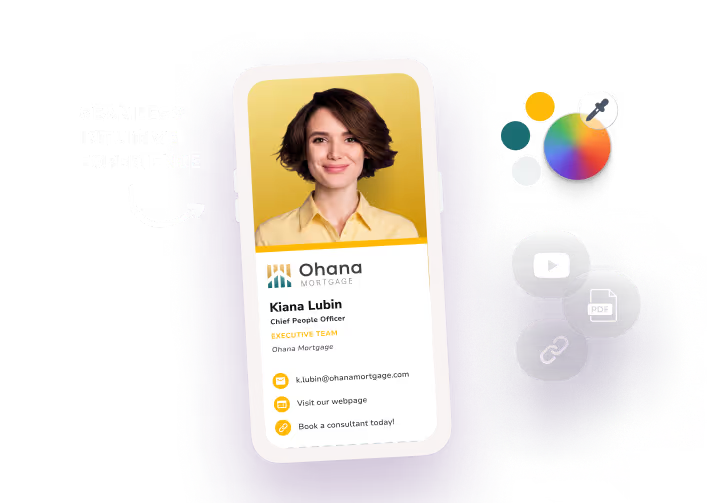
Built from a single source of truth, your brand standards are deployed across every device, wallet, and platform. Update once, and every card in the company reflects it.
Explore digital business cards →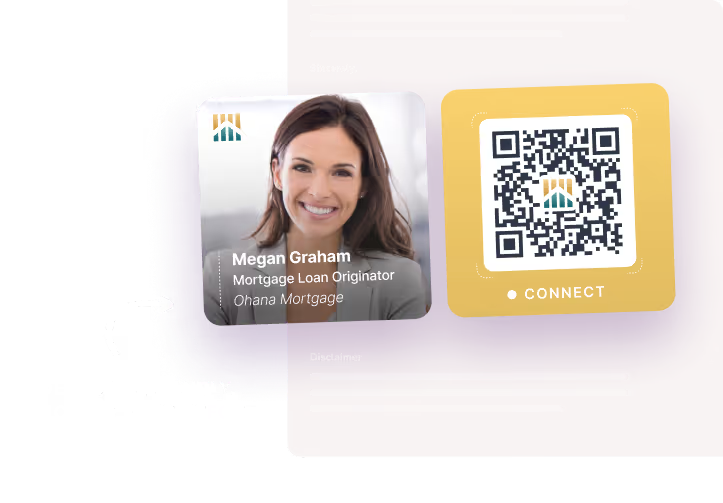
Your highest-volume communication channel, treated like a real marketing surface. Brand-consistent across every send, measurable like any campaign. A campaign banner under every employee's signature, deployed fleet-wide in hours. Owned reach your team already runs every day.
See the email signature manager →
Reinforce branding on sales calls, customer meetings, and webinars across Zoom, Teams, and Google Meet. Maintain an individualized, cohesive, professional presence in every interaction.
See virtual backgrounds →
The directory updates itself: every role, region, and reporting line flows in from the systems the company already runs on. So when someone needs the right person, they find them. And when they need to make the introduction, the brand goes with them.
Inside the corporate directory →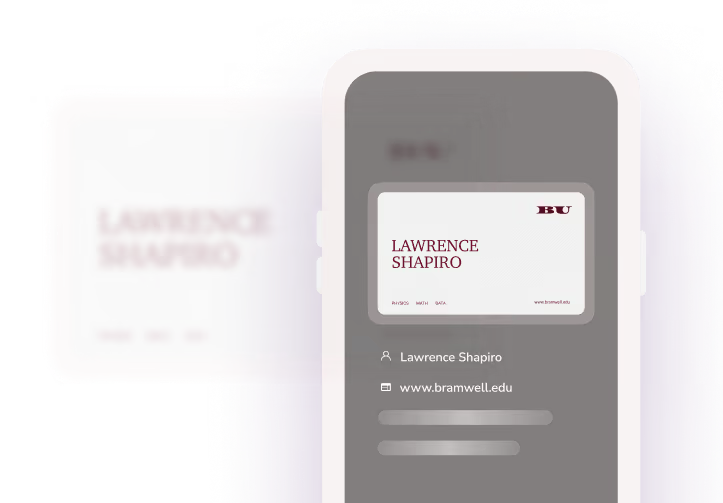
Scan paper cards, badges, or other contact information to instantly capture and sync accurate contact data, no lost leads, no manual entry.
How scanning works →
Control when and what data is collected during every connection your team makes. Captured, tagged, and attributed, every lead syncs directly to your CRM.
Capture every lead →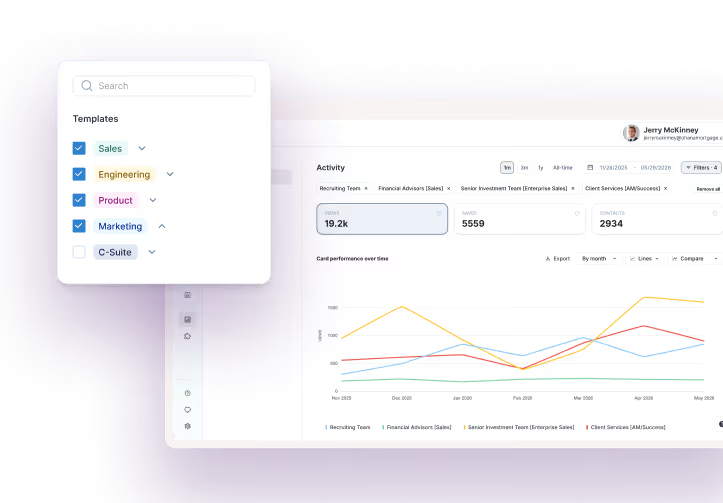
Track events engagement, contact growth, lead attribution, and campaign activity across the company. Create real data to confidently prove what’s working.
Inside analytics →
The controls that keep IT confident, the integrations that connect the stack you already run, the security that clears every review, and the measurement that ties it all back to pipeline. Everything it takes to run your brand across the whole company, in one platform.
Explore HiHello's features →One great signature is a start. When it's running across every employee automatically, every inbox becomes on-brand and measurable. HiHello's Email Signature Manager handles every team, from one place.
Explore Email Signature ManagerReady to get started? See what plan is best for you.
